During these days of Covid-19, home-office and lock-downs browsers and other Internet streaming tools as VLC become important personal gates to the world. When streaming videos or songs a user, of course, wants to hear some sound. No problem with Linux – Alsa helped you already decades ago. But things used to become a bit complicated if you wanted to direct the output of multiple sound-sources through a global equalizer of your Linux desktop environment (in my case preferably KDE). An equalizer may help to compensate deficits of cheap speakers or hearing problems of elderly persons as me. Well, if you found a global desktop equalizer at all. With KDE, no chance – it always was a strange policy of the KDE-people to assume that an equalizer is none of their responsibilities. So, a standard Linux user depended on application specific equalizers – which at least many Linux sound and video players offered. But what about browsers?
This is, where “Pulseaudio” and the related “Ladspa” based equalizer really were of help to a common user. As a matter of fact, I have never been a real friend of “Pulseaudio” [PA]; you can find some critical posts regarding PA in this blog. However, I gladly admit that Pulseaudio and its control interfaces have become substantially better with the years. At some point in the past PA started to work reasonably well even with multi-channel soundcards. It is now also much better integrated with KDE’s “Phonon” system than some years ago. Today, you can define e.g. a central volume control without destroying the relative volume ratios of different output channels of a sound card. And: We have a well integrated equalizer as a desktop-wide, global tool to improve the sound quality. So, why a post about it?
A problem with (automatically) changing streams and an assignment to a default sink
A problem with KDE and Pulseaudio in the past was the following: Only some applications (as e.g. “Clementine) ” gave/give the user a chance to specify a sink of the sound environment to which the sound output of the application is transferred for further processing.
A sound sink is a kind of sound module which accepts a sound stream as input, processes it and may send an output to other processing modules or an amplifier. On KDE you may find some available sinks for your sound card or cards under “system-settings >> Multimedia”. An important sink in our present context is the PA equalizer. See https://doc.qt.io/archives/qt-4.8/phonon-overview.html for the inclusion of media objects and sinks into a sound flow model (“graphs”) for KDE.
However, a lot of applications as e.g. browsers do not offer any settings to modify the primary sound sink. Instead they address a “default sink” of the system. What the “default sink” was, was either non-transparent to the user, or some related settings within your KDE desktop were just ignored, or you had to dive deep into the unhandy Alsa and the PA-configuration options. This led to major inconveniences for normal users:
When a new sound stream was activated a default sound sink was chosen by many applications which often did not correspond to the preferred one – namely the equalizer.
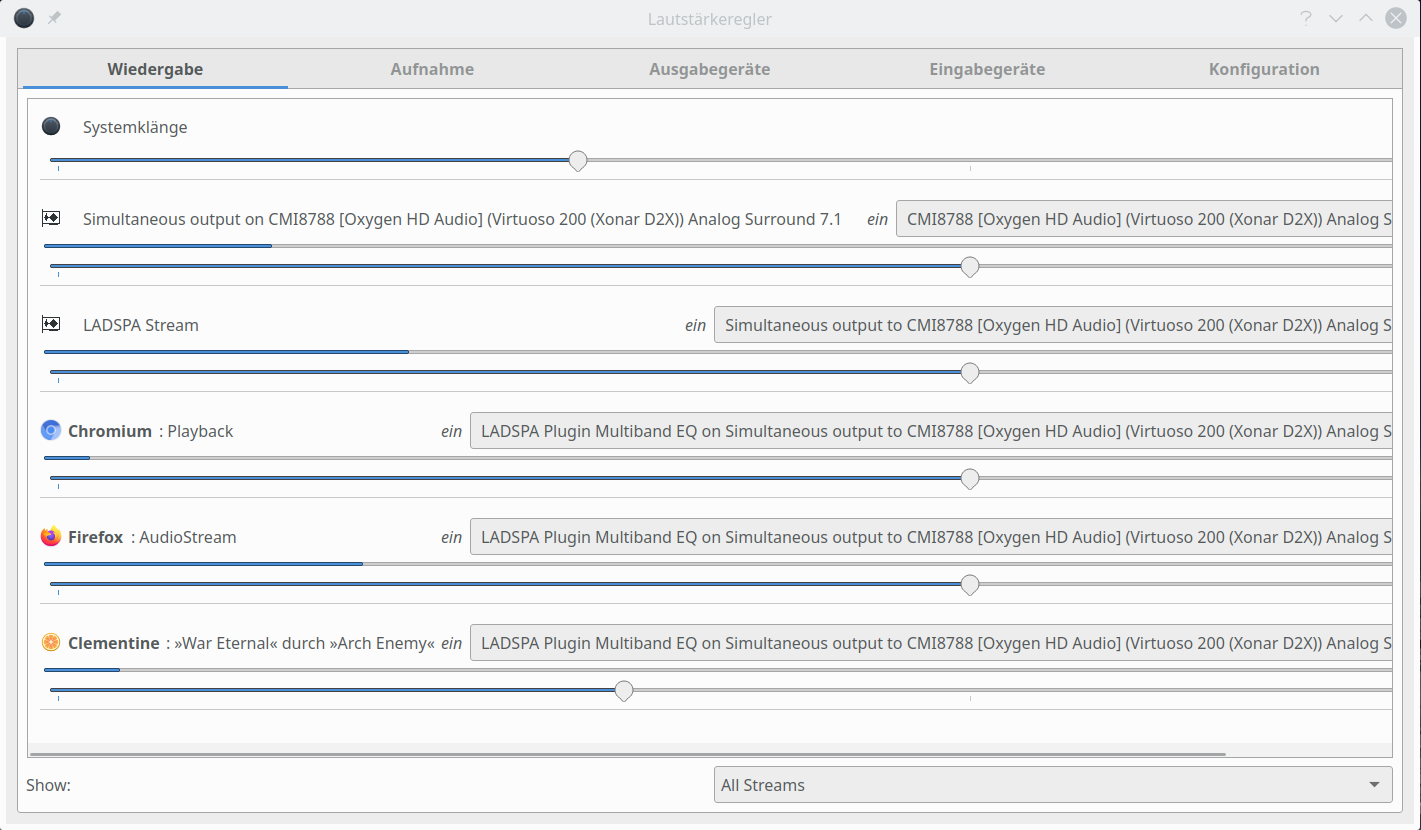
This problem could only partially be overcome by using “pavucontrol”, a PA-tool to control volume settings on channels and sinks in the system. “pavucontrol”actually allowed and allows the user to assign sinks to running applications and their sound streams. However, when the application switched from one stream to another – e.g. automatically in a media-player with a list of songs or on the web (youtube changing videos) – then the newly selected stream fell back to the default sink. Driving the user nuts ….
Setting of the default sink for the KDE desktop
nI use Opensuse Leap 15.1/2 with KDE as my main working environment (besides Debian and Kali with Gnome 🙂 ). By chance I recently found something which did not work for me in previous installations. In KDE we have a specific sound system – “Phonon” – which allows the user to organize the priority of “devices” (sinks) for certain kinds of applications. In my case you see the settings for “music” applications:
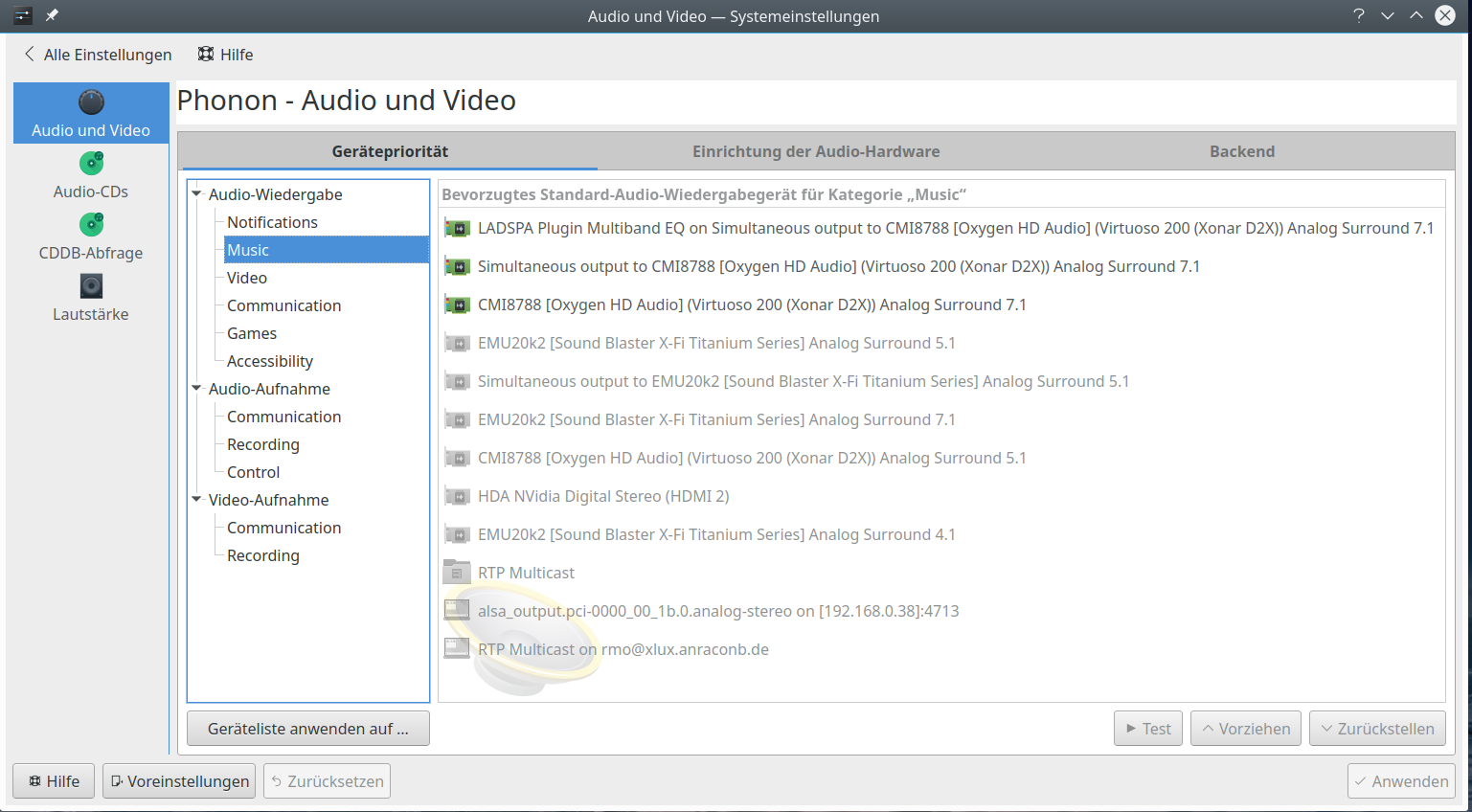
You see that I have 2 sound cards available – but to make things simpler I deactivated one of them for this blog post. The first device listed is the PA’s LADSPA equalizer:
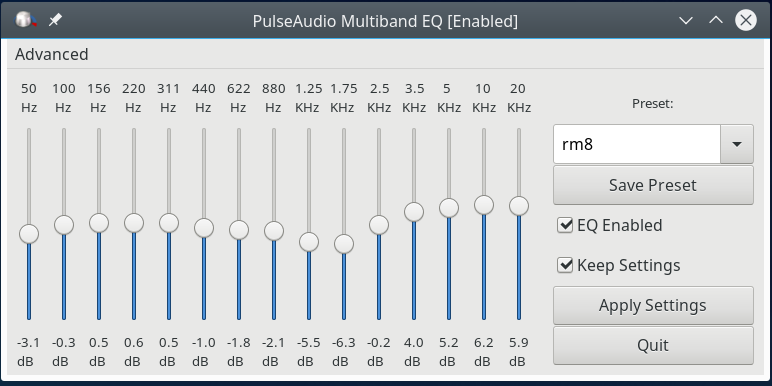
It got the highest priority for music streams – more precisely for applications which follow the Qt/Phonon-API-rules when playing music streams. But, what about browsers (FF, Chromium, Opera, …), what about applications designed for Gnome and GTK3? You often can direct them to use PA, but what does PA respect as a default sink in a KDE environment with Phonon?
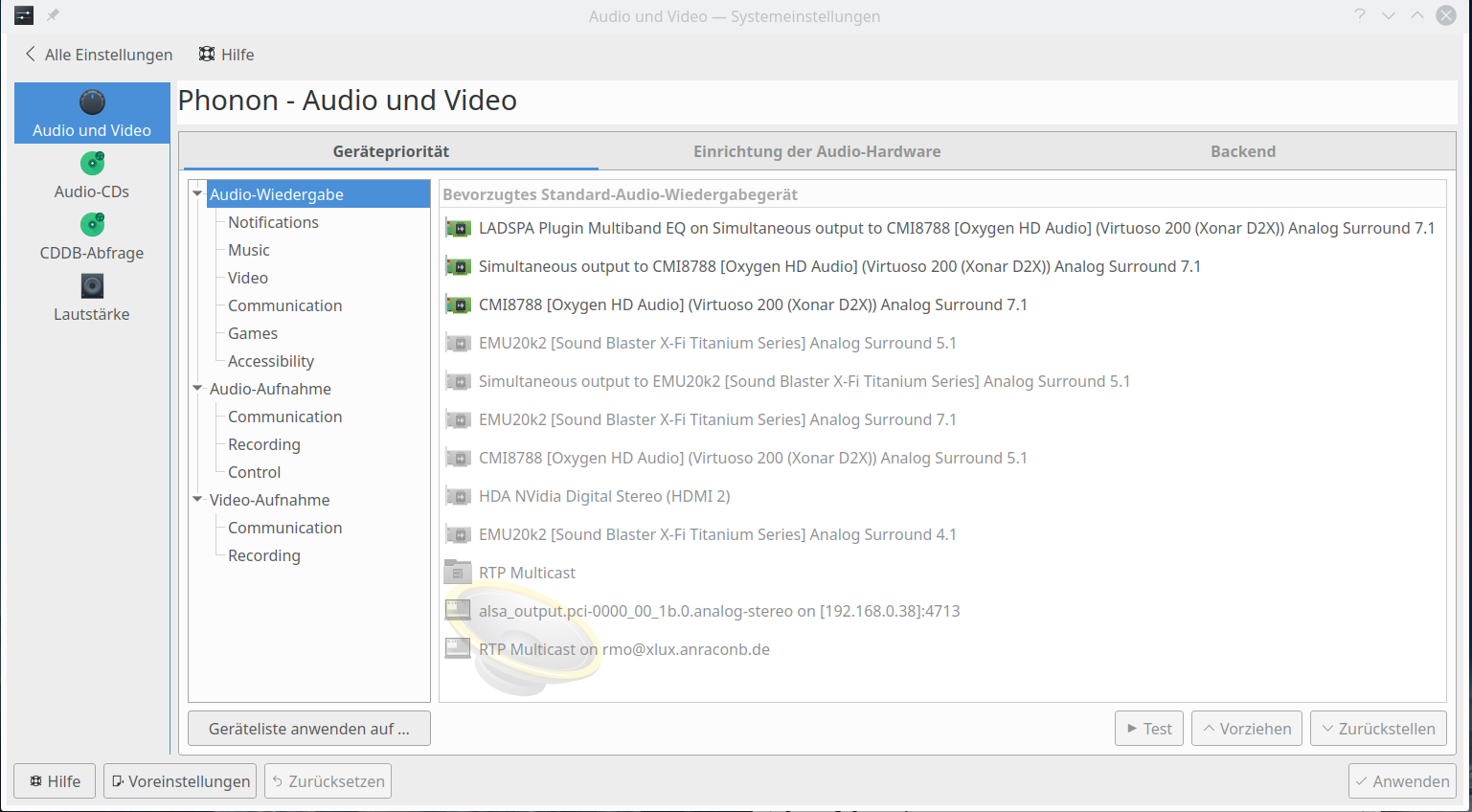
Well the simple “trick” which I found working recently is to set the priorities for all audio in KDE’s Phonon-settings:
Then we get the following PA-settings (install and start the pulseaudio-manager application “paman”):
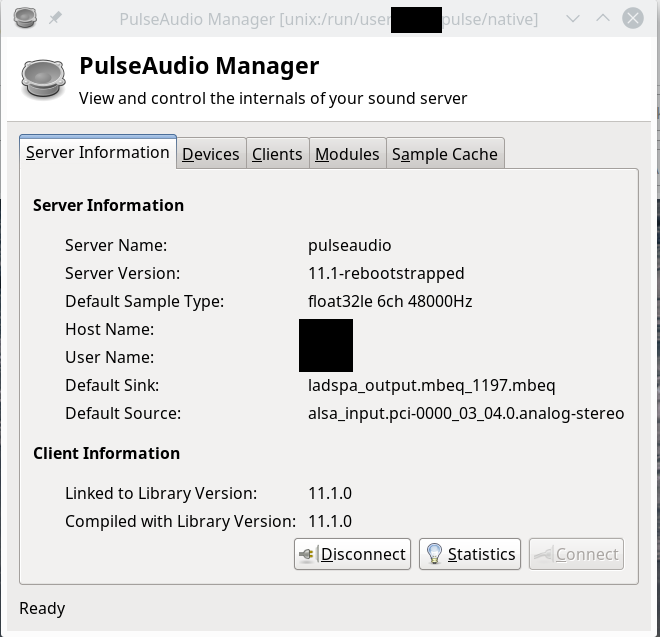
This is what we need! And this setting is (now) respected by browsers and other applications that seek a default sink.
So: KDE, Pulseaudio and Phonon settings actually give a common KDE user the chance to direct all sound through the Ladspa equalizer as a default sink.
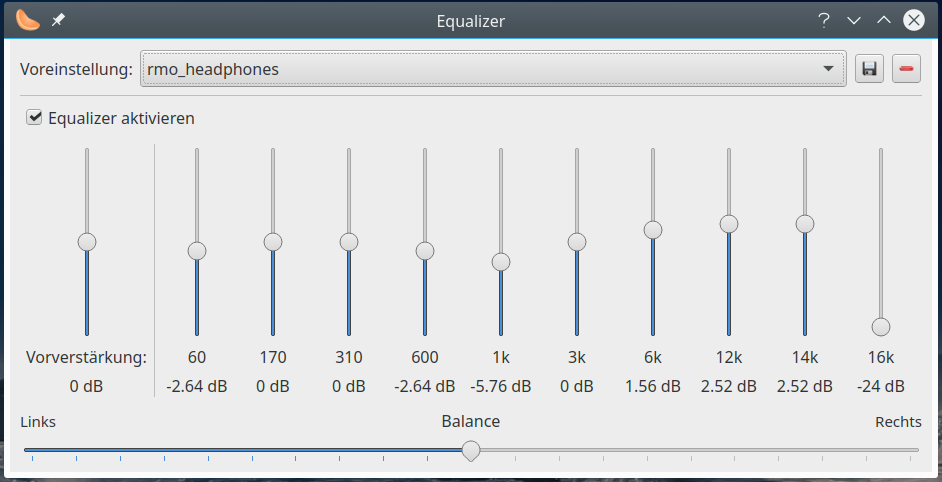
If your media-player offers its own equalizer you can of course combine both equalizers.
By the way: Common volume control
In the above picture on Phonon settings the sink “Simultaneous output to …” directs multiple sound sources to one or multiple sound devices. As we direct all sound through the equalizer first, we give the “Simultaneous output …“-device second priority.
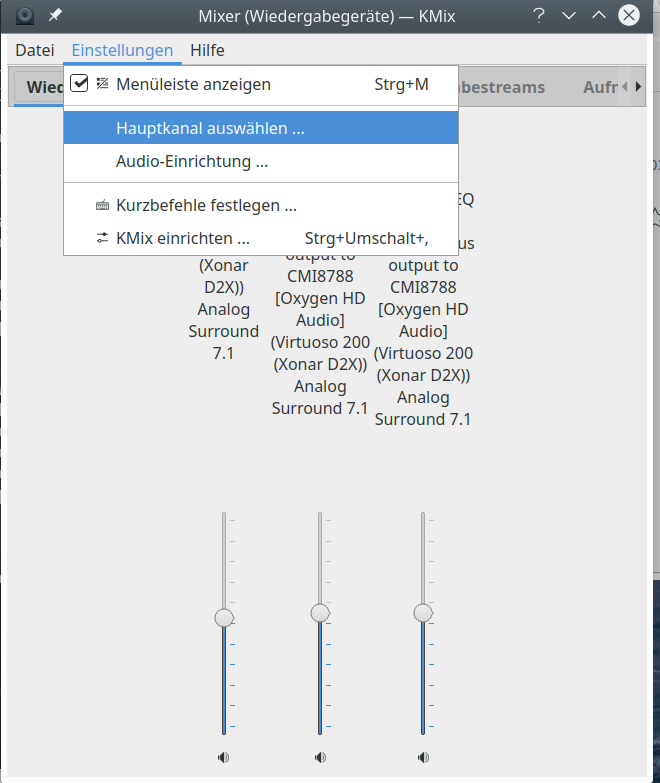
We can use it for a common volume control in KDE’s Kmix: If you right-click on the Kmix symbol or open it you get an option to choose the main output channel :
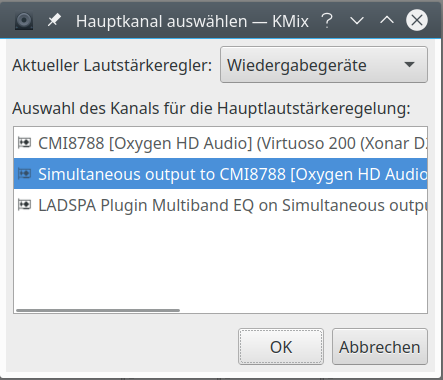
Now, this setting assigns the desktop’s global volume control to this sink – which leaves all other volume settings, e.g. for the relative volumes of the sound-card channels, untouched:
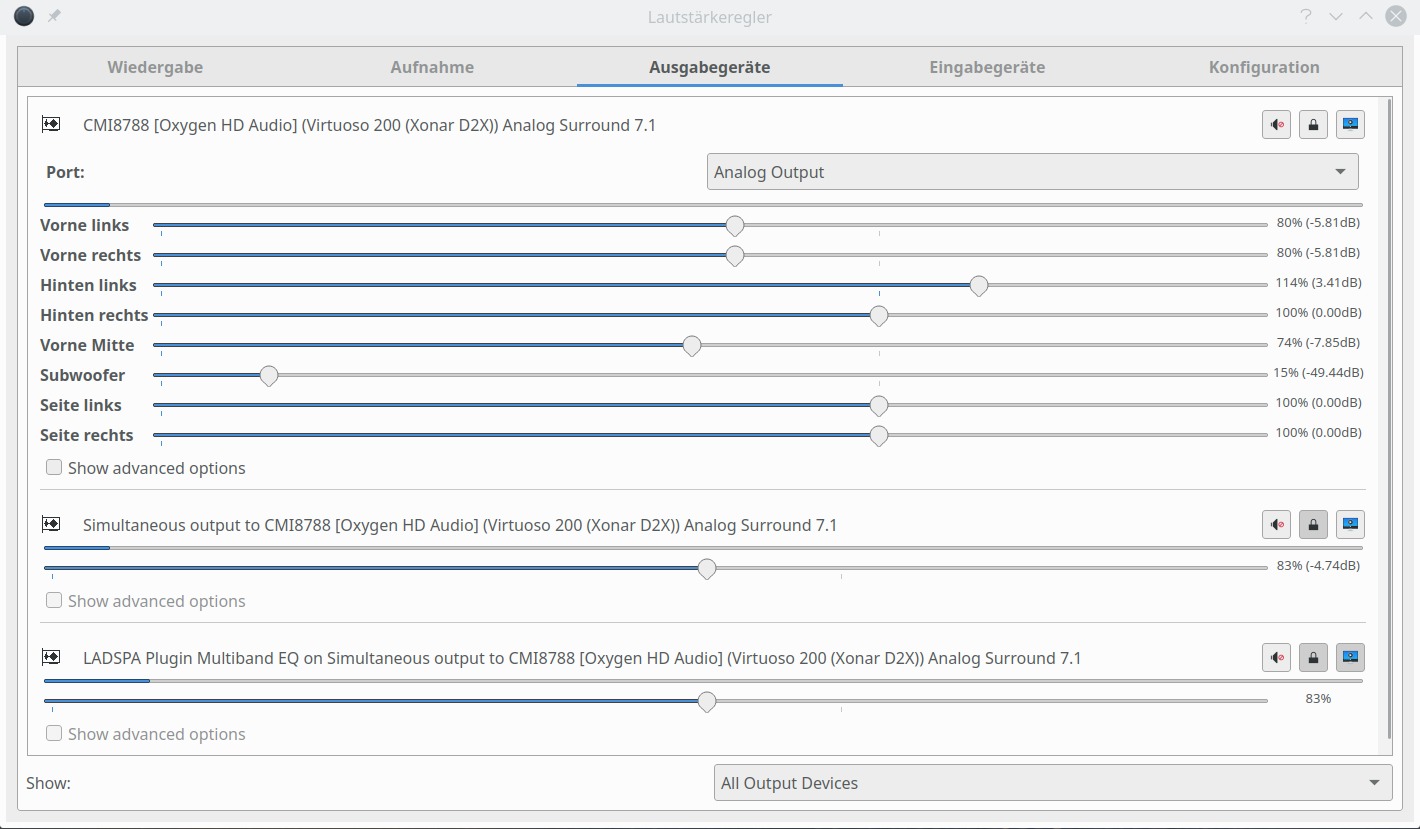
You may find that this settings is transported to the sound control keys of a keyboard with a media control bar (e.g. on a Cherry keyboard).
Conclusion
With the help of KDE’s system-settings and Pulseaudio we can direct the output of all audio applications through a desktop wide equalizer, which we define by Phonon settings as a default sink. This is simply done by giving PA’s LADSPA equalizer the highest priority for all audio. You do not need to dive into PA configuration depths or the command line for changing PA’s device and sink graphs for sound flows.
The “Simultaneous output ….” device (or sink) allows for a global volume control which respects other volume settings controlled e.g. via PA’s “pavucontrol”.
